Claude Chat gives you words. Claude Cowork gives you finished files sitting in your folder, ready to send.
That’s the shift. And once you feel it, you stop copy-pasting from a chat window forever.
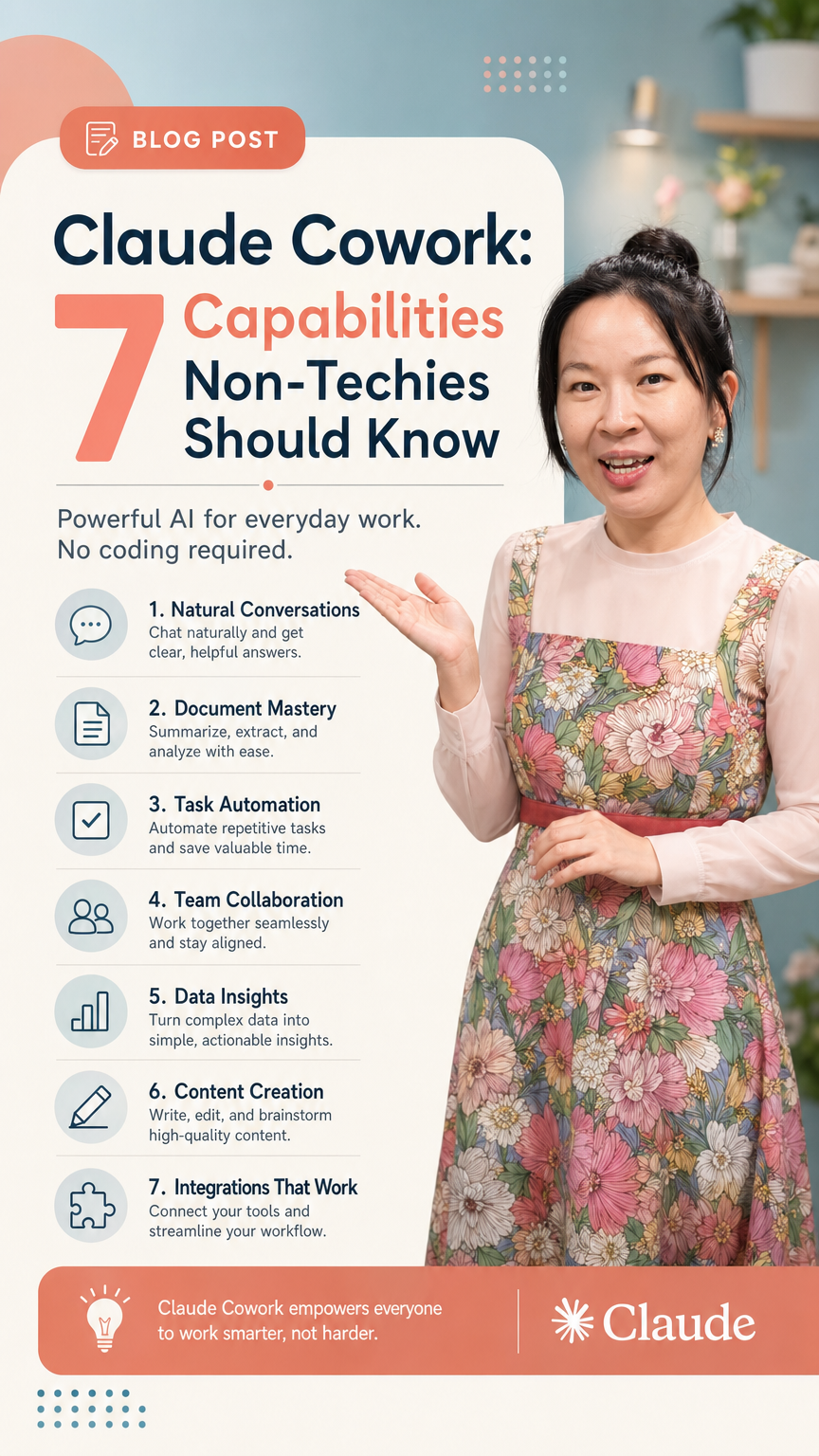
I’ve been teaching non-techies how to actually ship with AI for a while now, and Cowork is the first tool where the gap between “I read about this” and “I just used this in my real workflow” closes in under an hour. So let’s break down the seven capabilities that matter — with the use cases I actually run myself.
Why Cowork Is Not Just “Claude Chat With Files”
People assume Cowork is Claude Chat with file access bolted on. It’s not. Three things are fundamentally different:
- File handling: Chat caps you at 20 files and 30MB each because everything goes to the cloud. Cowork reads files locally — no cap, no size drama.
- Output: Chat hands you text in a window. Cowork delivers actual files (Excel, PDF, PowerPoint) into your folder, named and formatted.
- Prompting: Chat wants task-first language (“do this, then that”). Cowork wants outcome-first language — describe the end result, the constraints, the quality bar, and let it run.
That last one trips up almost every beginner. If you’ve spent a year prompting ChatGPT or Claude Chat, your instincts are wrong for Cowork. You’re not directing a writer anymore. You’re briefing an operator.
If you want a deeper side-by-side, I broke it down here: Claude Cowork vs Claude.
The Setup Most People Skip (And Then Regret)
Before you do anything fun, do this:
- Under Settings → Cowork tab, add guardrail instructions — things like “before deleting, overwriting, or renaming any file, show me what will change and wait for confirmation.” Training wheels. You’ll thank yourself.
- Turn on both memory features under Capabilities.
- Create one folder called Cowork Playground in your Documents. Everything you experiment with lives here. Your real files stay untouched.
- Cowork is strict about access. If you drag a file in from Downloads, it can’t read it. Files have to live inside the folder you’ve granted access to.
Skip this and you’ll end up with Cowork rewriting things you didn’t want rewritten. Don’t be that person.
Capability 1 & 2: Local Files + Persistent Memory
These are the foundation. Everything else builds on them.
Local file work is where Cowork earns its keep on day one. A real example from my own folder: 100+ receipts, mix of PDFs and JPEGs. I asked Cowork to extract date, vendor, category, and amount, flag anything blurry as “verify,” and output a formatted Excel. It did. In one pass. Claude Chat literally cannot do this — the 20-file limit kills it before you start.
Other things I use this for constantly:
- Splitting a 400MB PDF into chapter-sized files with descriptive names
- Rebuilding image-only PowerPoints (the kind NotebookLM exports) into editable slides
- Reorganizing messy folders into proper subfolder structures
Persistent memory is the capability nobody talks about enough. Because Cowork stores memory as actual files on your computer (CLAUDE.md and memory.md), it can remember every preference, every decision, every style choice — for as long as you keep the files. Chat memory has a ceiling. Cowork doesn’t.
When Cowork does something the way you want it, tell it to save that preference to memory. The more it writes to those files, the more it starts working the way you work.
This is the closest thing to onboarding an assistant that actually exists in AI right now.
Capability 3 & 4: Connectors and Skills
Connectors let Cowork reach into Gmail, Google Drive, Calendar, Notion — whatever you already live in. At minimum, connect Gmail, Drive, Calendar, and Notion if you use it.
A use case that genuinely changed my workflow: “Read my last month of emails, extract my tone of voice, save it as writing style principles.” Cowork pulls the patterns, saves them to memory, and now every email it drafts sounds like me. Not generic AI. Me.
Two connectors at once is where it gets spicy. My team takes meeting notes in Notion, but Gemini auto-generates transcripts into Drive. I ask Cowork to cross-reference both and surface commitments that didn’t make it into the notes. It pulls from two sources, compares, and tells me what fell through the cracks.
Skills are reusable workflows. You teach Cowork how to do something once, it remembers the steps forever.
Simple version: I have a “make this clear and concise” rewrite I run constantly. I told Cowork to turn it into a skill. Now I just say “make it more clear and concise” and it runs the same logic every time.
The real power kicks in with multi-step skills. At Google, I used to combine three teams’ weekly updates into one leadership-ready report — different formats, different lengths, every single week. That’s a 10-step skill in Cowork. You build it once, run it weekly, and reclaim the hour.
If you want to see how teams are stacking these together, this is a good read: Claude Cowork Workflows.
Capability 5, 6 & 7: Where It Stops Being a Toy
The last three capabilities — running longer agentic tasks, handling structured outputs across formats, and chaining skills with connectors — are where Cowork stops being “a better Claude” and starts being infrastructure.
A few patterns I’ve seen non-techies adopt fast:
- Weekly reporting: connectors pull data, skill formats it, output lands as a PDF in a folder. Zero copy-paste.
- Inbox triage: Cowork reads Gmail, classifies, drafts replies in your tone (because you saved it to memory), and waits for approval.
- Research synthesis: drop 30 PDFs into a folder, ask for a structured comparison table. Done in minutes.
The non-techies winning with this aren’t the ones with the cleverest prompts. They’re the ones who set up memory properly, build skills incrementally, and treat Cowork like a teammate they’re onboarding.
Your Next Step
Don’t try all seven capabilities tomorrow. You’ll bounce off it.
Pick one workflow you do every single week — a report, a recurring email, an organizing task — and rebuild it in Cowork. Set up the memory files. Save the skill. Run it next week and watch how much faster it goes.
Then, if you want a structured way through the rest, we run training specifically for non-technical professionals at ANCHR AI Labs — designed for people who want to actually ship, not just understand the theory.
Cowork rewards people who treat it seriously. Be one of them.